
EA Sports FC 26: Beginner’s Guide
A Sports FC 26 is officially arriving on Game Pass. Here is our comprehensive beginner's guide to mastering the pitch.
The latest installment of EA Sports FC 26 is officially arriving on Xbox Game Pass. To coincide with the massive anticipation surrounding the World Cup in North America, we are being treated to the most refined version of the virtual beautiful game yet.
If you are absolutely new to the series - or returning after a multi-year hiatus like me - stepping onto the pitch can feel a bit overwhelming. To help you hit the ground running, we have scoured the mechanics, tested the systems, and compiled the ultimate starter guide to give you a massive head start.
Highlights
- Start Safe: Avoid the stress of online Ultimate Team right away. Build your confidence and earn rewards in the offline Squad Battles or Manager Career modes.
- Sprint Wisely: Ditch the habit of holding down the sprint button. Use Controlled Sprint to keep the ball glued to your feet for quick direction changes.
- Patience in Defense: Stop rushing attackers blindly. Use Jockeying to jockey your defender, hold your ground, and wait for the perfect moment to step in.
- Pro Camera Settings: Switch your camera to Tele Broadcast or Co-op, maximize the height, and drop the zoom to 0 to instantly see the entire pitch.
When you boot up the game, it is incredibly tempting to jump straight into high-stakes competitive online modes like Division Rivals or Champions. Don’t get dragged into that meat grinder right away.
Especially if you are new to the series or returning after a few years, don't hesitate to spend twenty minutes in the 'Learn to Play' section. It is the perfect, stress-free environment to get the hang of the basic mechanics.
If you want to build your Ultimate Team dream squad from day one, start by playing Squad Battles. In this mode, you play against AI-controlled opponents, allowing you to complete objectives and earn high-tier weekly rewards at your own pace.
Alternatively, diving into a traditional Manager Career is a fantastic way to master the gameplay systems without the pressure of an online opponent.
Holding down the right trigger (RT) to sprint blindly all over the pitch is a tactic of the past. If you do that now, you will lose possession instantly. In EA Sports FC 26, you need to dictate your pace.
The secret weapon for attackers this year is the Controlled Sprint, executed by holding down RB while moving. Your player will still pick up a significant amount of speed, but the ball will stay glued to their feet. This allows you to change direction on a dime, leaving defenders completely lost.
When should you use the old-school sprint? Once you successfully execute a perfect through-ball to a superstar like Kylian Mbappé, leaving nothing but open green grass between him and the keeper - that is your cue to hammer the RT button and exploit pure, raw pace.
Defending has become significantly more tactical, and mastering the Jockey mechanic is non-negotiable. The absolute number one habit you need to break as a beginner is lunging in blindly or spamming the tackle button.
Instead, hold down the LT button to activate Jockeying. This lowers your defender's center of gravity and forces them to stay face-to-face with the attacker. Rather than charging forward, focus on shadowing the opponent's movements and cutting off their passing lanes.
So, what do you do next? You patiently hold your ground until the attacker makes an erratic heavy touch or tries to force a sprint past you. The exact moment they lose close control of the ball, tap the tackle button to cleanly reclaim possession.
While utilizing a standard short pass (A) gets the job done, ordinary passes can sometimes roll too slowly across the grass, giving quick defenders plenty of time to intercept.
To bypass defensive lines, get the Driven Pass into your system by holding RB + A. This fires a high-velocity, crisp pass across the surface straight to your target.
Be warned: this is a high-risk, high-reward mechanic. Midfielders and strikers with low ball-control statistics will struggle to trap these rapid passes cleanly, potentially leading to heavy touches. However, when used to break through a tight defensive block to find your star striker's feet, it is incredibly lethal.
It is incredibly easy to get distracted by high-profile streamers claiming they have found the absolute "meta" formation to beat every single opponent. As a beginner, you should keep two realities in mind: following the meta means you will always be chasing a playstyle optimized for professionals, and you are still learning the fundamentals.
Do not hesitate to start with highly reliable, balanced real-world formations like the 4-4-2 or the 4-2-3-1. There is a reason these formations have anchored real-world soccer for decades - they offer excellent width on the wings and defensive stability in the midfield.
Once you feel comfortable reading the game, feel free to experiment with hyper-attacking setups. Ultimately, constructing your own tactical identity is far more rewarding than copying a template. You can absolutely beat the meta by understanding your own team.
1. Maximize Your Field of View
- Go to Settings > Game Settings > Camera.
- Change both your Single Player and Multiplayer camera presets from Tactical to Tele Broadcast or Co-op.
- Switch the Camera Customization toggle to Custom.
- Increase the Camera Height to 15 or 20, and drop the Camera Zoom down to 0.
- Why this works: This heavily zooms the camera out, giving you an unparalleled bird's-eye view of the entire pitch. You will instantly spot your wingers making overlapping runs before they even appear on the mini-radar.
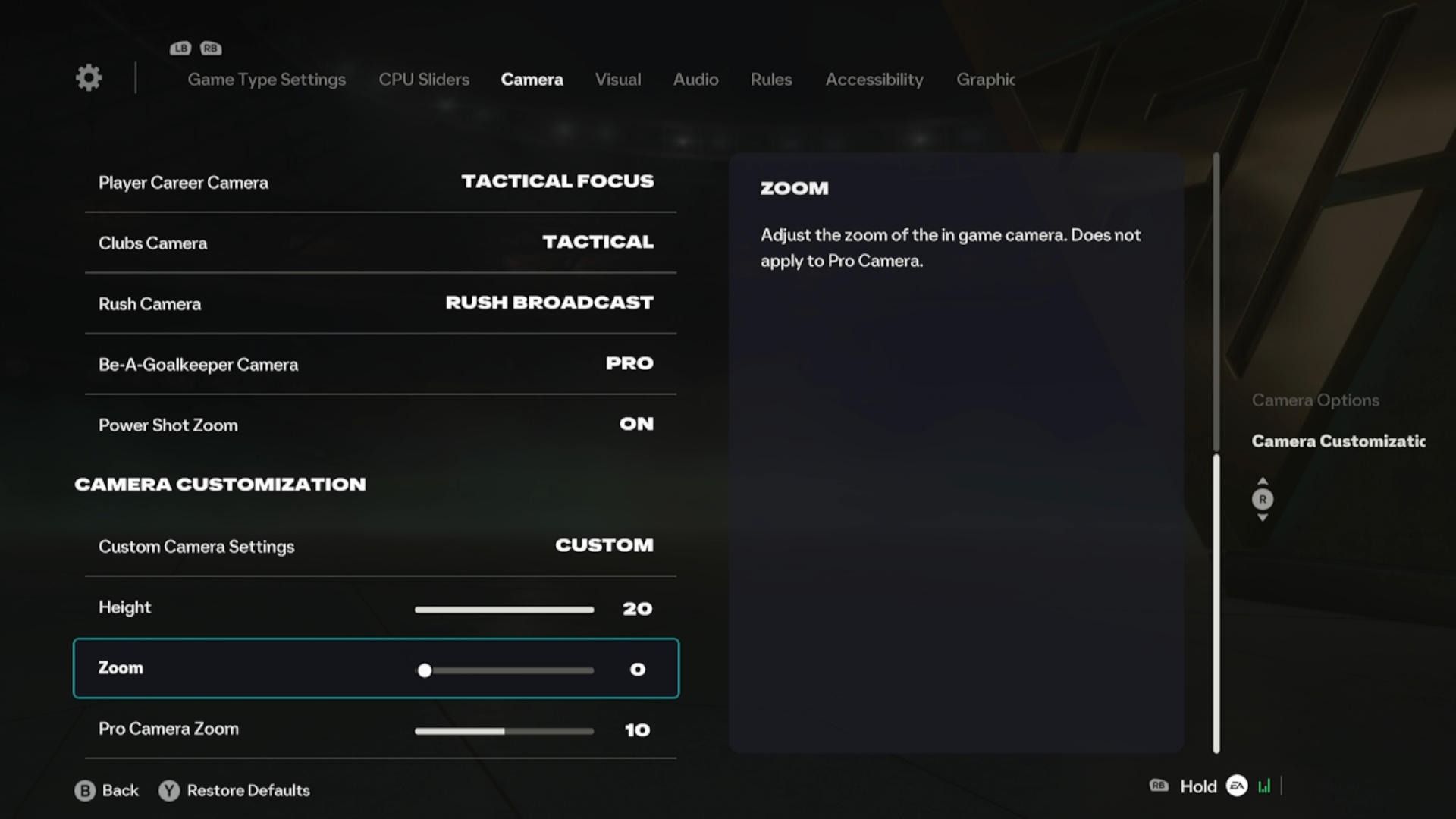
EA Sports FC 2026 - Camera Settings
2. Clean Up Your Screen
- Go to Settings > Game Settings > Display.
- Turn OFF HyperMotion Insights Overlays. While these live data graphics look high-tech during gameplay, they act as an intense visual distraction and can even cause unwanted frame drops on the pitch.
- Under the same menu, look for the Next Player Switch Indicator settings. Ensure your active player icon and the secondary player icon (the faded arrow showing which defender you will switch to next when tapping LB) are turned on. This prevents panicking during intense defensive transitions!
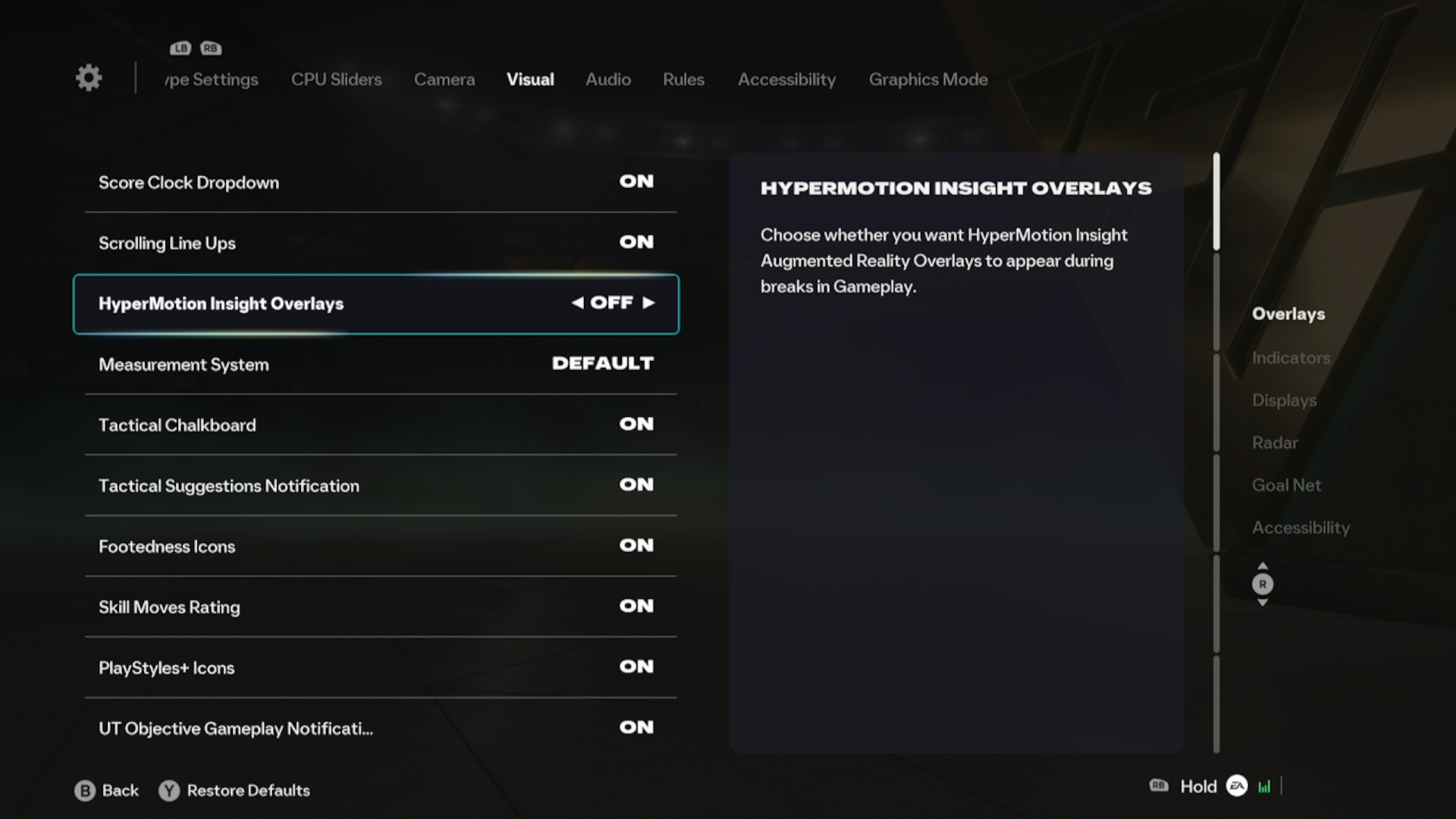
EA Sports FC 2026 - Visual Settings
This article was written by a human and fact-checked and edited by Gemini 1.5 Flash.
Editorial Standard: Drafted with AI assistance, thoroughly reviewed and published under GoodGamePass editorial supervision.
You might also like...

Aniimo Season 1 Part 2: Everything You Need To Know

Game & Hardware Sales Right Now

Subnautica 2 EA 2.0 Update: Frog Chassis, Dark New Biomes, and Movement Upgrades
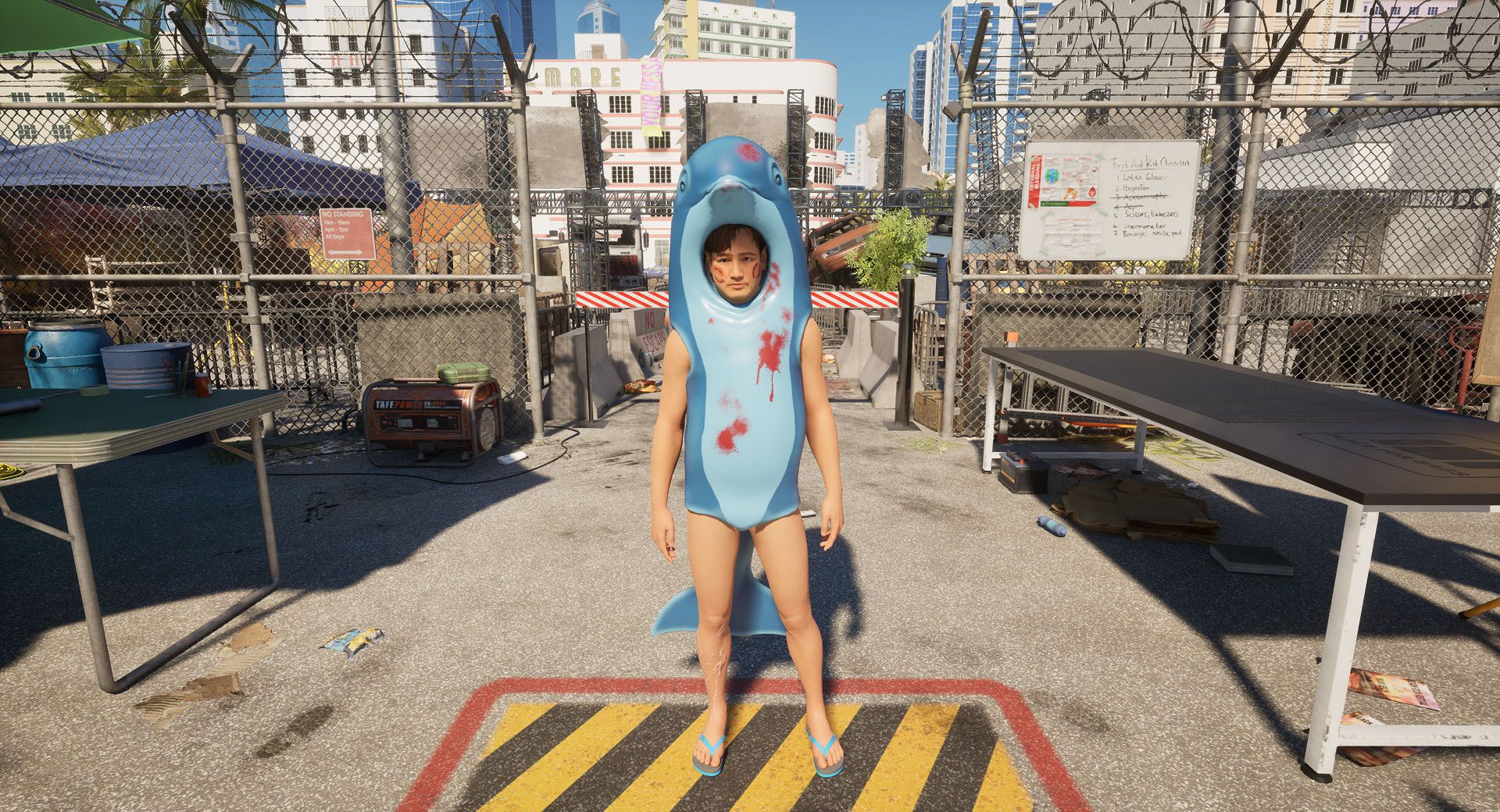
Quarantine Zone: Miami Zero DLC Breakdown
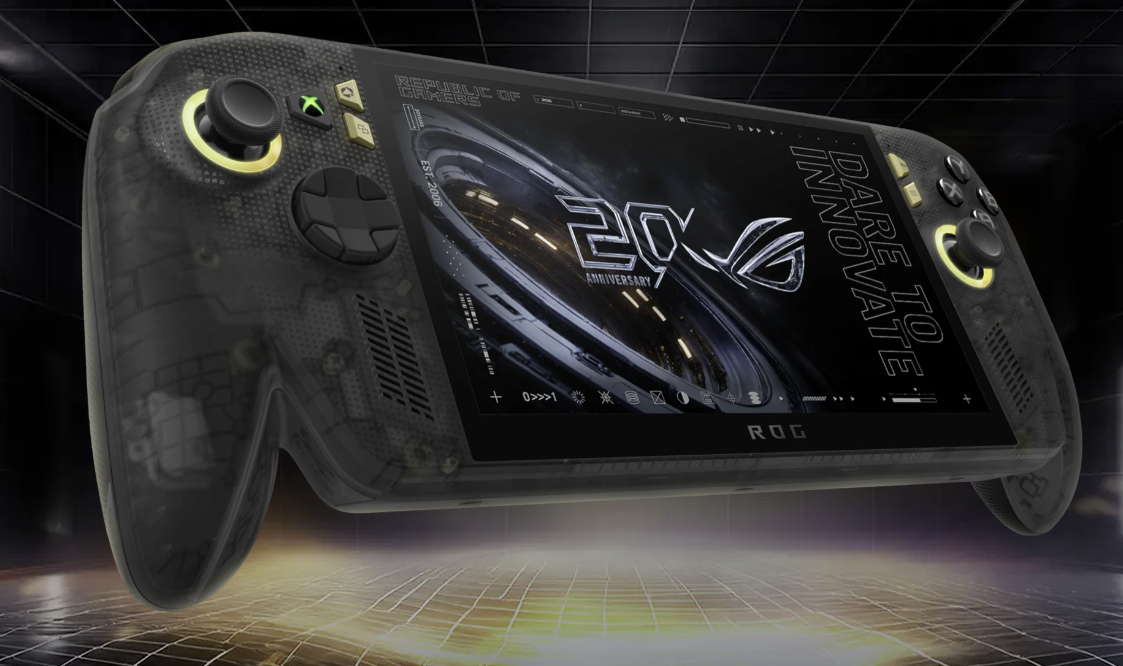
ROG Xbox Ally X20 Anniversary Edition: Everything You Need to Know