- Controller Assist on Xbox allows two controllers to function as one input, enhancing gaming experiences.
- It is beneficial for stress-free gaming with kids or beginners, turning single-player games into cooperative challenges.
- The feature can be used for real-time coaching in boss fights without the need for profile switching.
- Enabling Controller Assist is quick and can be toggled through the Xbox Accessories app or in the Accessibility settings.
Tucked away inside your console’s settings is Xbox Controller Assist (formerly known as Xbox Copilot, before Microsoft briefly used the Copilot name for its retired Gaming Copilot AI assistant). It links two separate controllers so your Xbox treats them as a single input, feeding every button press, trigger pull, and thumbstick movement from both pads into the exact same player.
Originally designed to help players who need assistance with complex button layouts, Controller Assist has quietly become a secret weapon for living room gaming.
Why You Should Try It
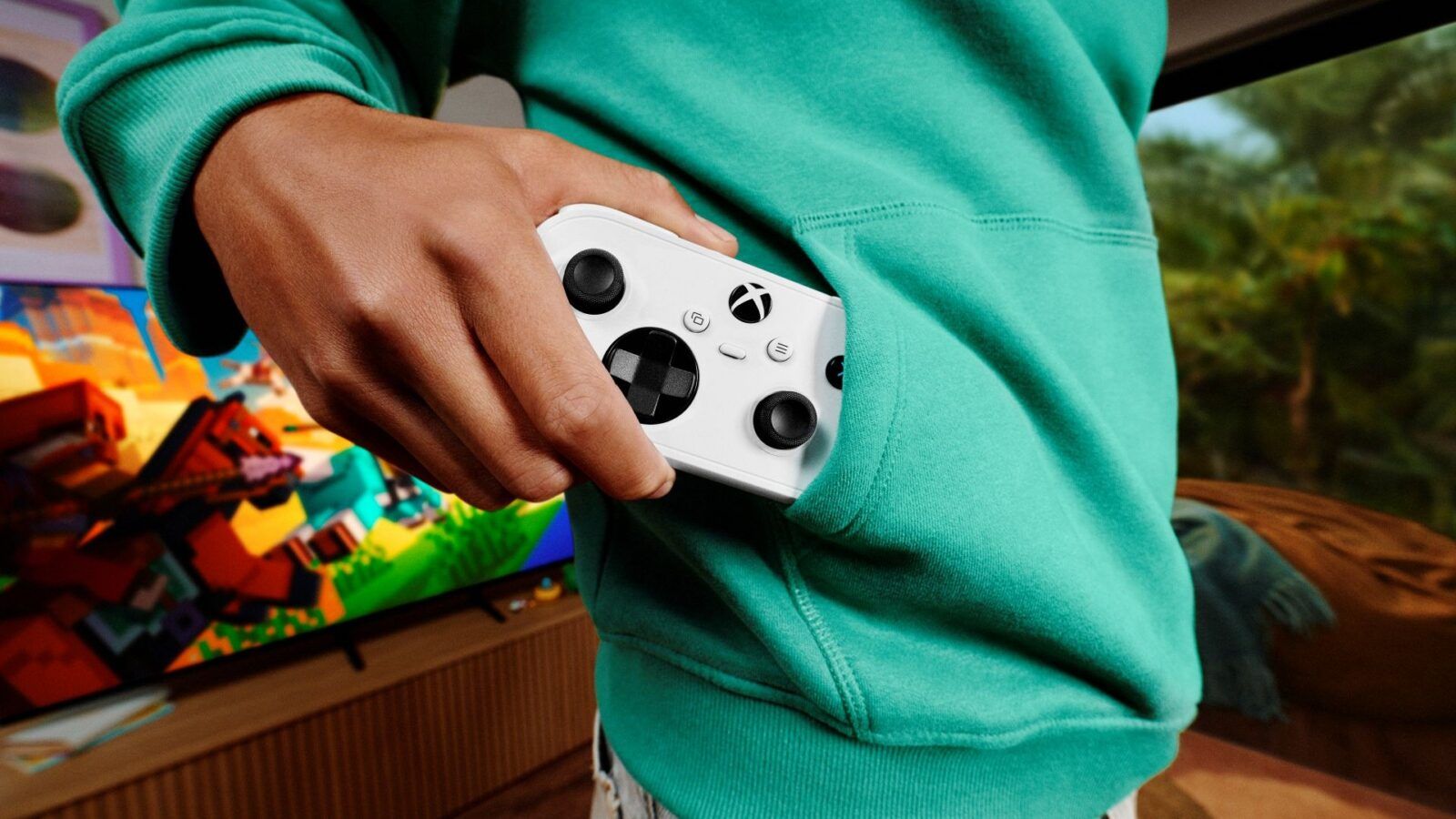
- Stress-Free Gaming With Kids or Beginners: Introducing a young kid or a non-gamer partner to a 3D game is usually an exercise in passing the controller back and forth every thirty seconds. With Controller Assist active, they can handle walking and jumping while you quietly steer the camera or step in during tricky platforming sections.
- Instant Couch Co-Op for Single-Player Games: Want to turn a solo game into a chaotic party challenge? Split the controls down the middle - one person handles movement and dodging while the other manages shooting and menus.
- No-Fuss Boss Fight Coaching: Instead of leaning over someone's shoulder or logging into their profile when they hit a wall, grab the second controller and help time parries or heals together in real time.
How to Turn On Controller Assist (in 30 Seconds)
- Power on both controllers and make sure they are connected to your Xbox Series X|S or Xbox One.
- Press the Xbox button to open the guide.
- Navigate to Profile & system > Settings > Accessibility > Controller.
- Select Controller assist settings and choose Turn on Controller Assist.
- Pick the secondary controller you want to link to your main pad.
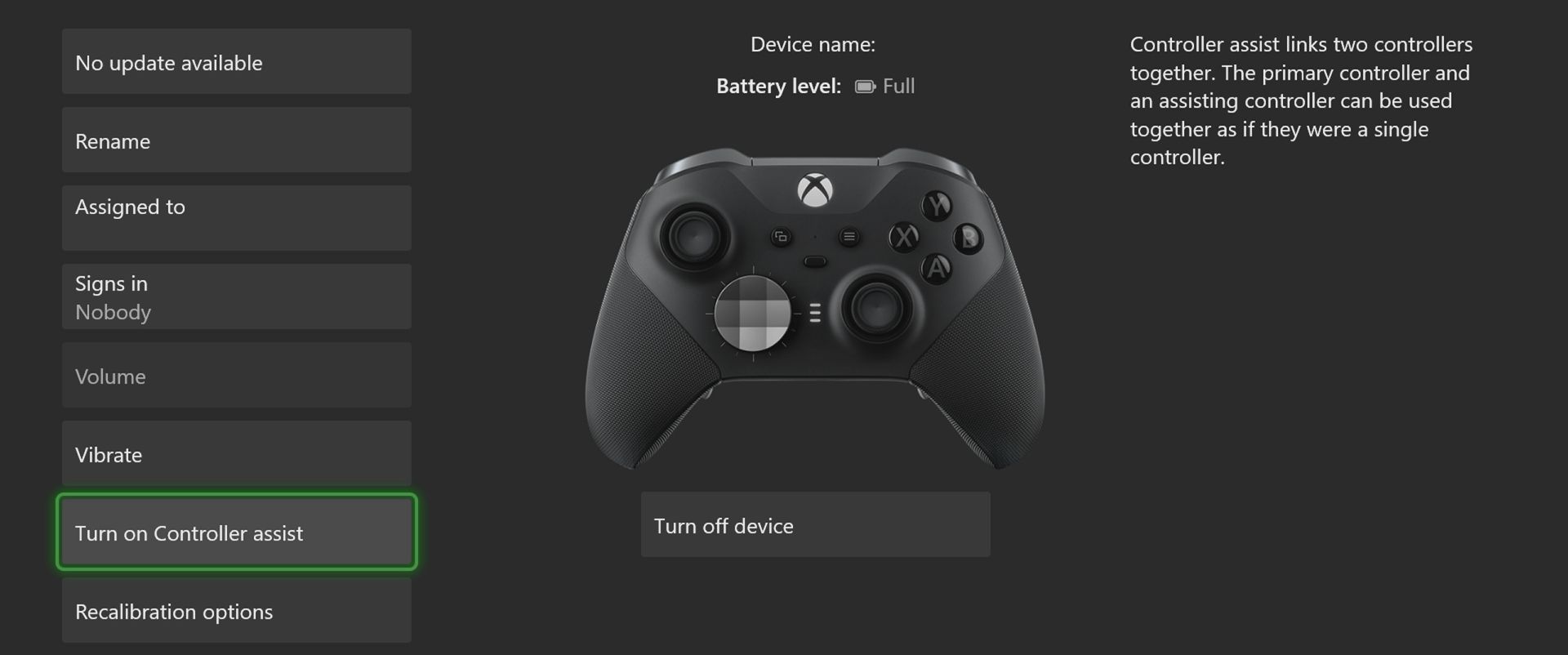
(Tip: You can also toggle Controller Assist on and off anytime directly inside the Xbox Accessories app.)
Whether you are gearing up for holiday family visits or just want a clever way to share single-player Game Pass titles on the couch, Controller Assist is worth keeping on your radar.