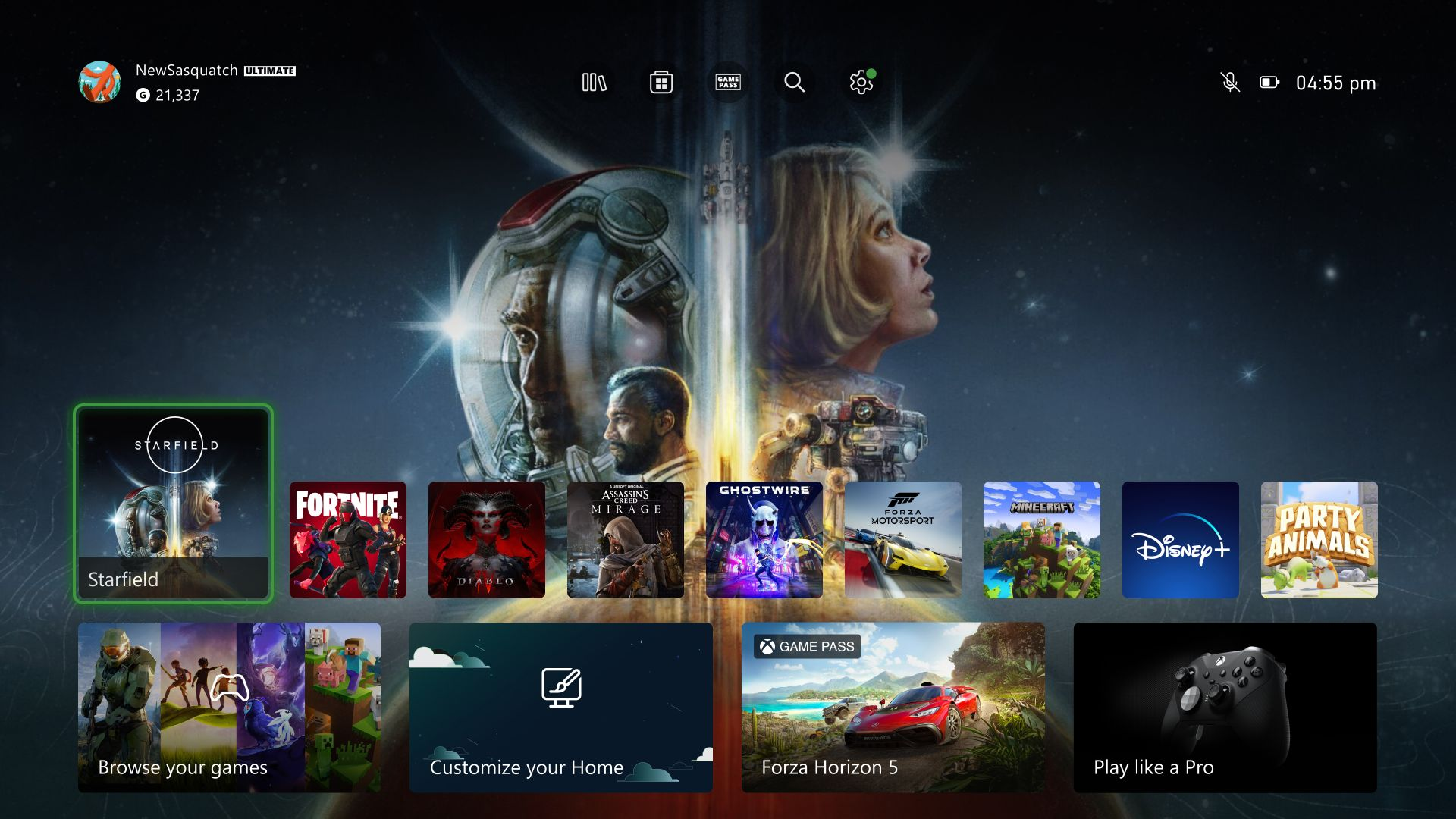
- Game Pass subscribers have new monthly cloud gaming hour limits, ranging from 5 to 15 hours per month depending on the tier, with no rollover.
- Non-subscribers can purchase standalone ad-free cloud playtime packs in 10, 25, or 50 hours at varying prices.
- A free ad-supported tier is available for streaming select owned games and free-to-play titles with 30-minute session limits.
- The changes aim to provide flexible options for both regular and casual cloud gaming users, including those on Xbox One and mobile devices.
Microsoft has officially flipped the switch on one of the biggest structural shifts in Xbox Cloud Gaming history. Following Insider testing, the new usage-based streaming model is live for the public - introducing a free ad-supported tier, standalone playtime hour packs, and monthly streaming limits across all Xbox Game Pass plans.
Whether you stream regularly on mobile devices or rely on the cloud to play current-gen titles without downloading, here is everything you need to know about how Xbox Cloud Gaming works now.
New Monthly Cloud Caps for Game Pass Subscribers
Unlimited cloud streaming is officially a thing of the past for standard subscriptions. All eligible Game Pass tiers now include a fixed monthly allotment of ad-free cloud playtime that resets on the first day of every month:
| Game Pass Tier | Included Monthly Cloud Playtime | Rollover Policy |
| Game Pass Ultimate | 15 hours / month | Does not roll over |
| Game Pass Premium | 10 hours / month | Does not roll over |
| Game Pass Essential | 5 hours / month | Does not roll over |
Note: Xbox Remote Play (streaming games directly from your own personal console) does not count against your monthly cloud gaming hours. Additionally, if you go inactive during a cloud session, the timer pauses automatically.
Standalone Cloud Playtime Packs (No Game Pass Required)
If you run out of your monthly Game Pass allowance - or if you don't want a Game Pass subscription at all - you can now buy ad-free Cloud Playtime packs directly from the Xbox Store:
- 10 Hours: $3.99 (£2.99)
- 25 Hours: $7.99 (£5.99)
- 50 Hours: $11.99 (£8.99)
How priority works: If you have both Game Pass and purchased playtime, your monthly Game Pass hours are always consumed first. Unlike subscription hours, purchased playtime packs never expire and carry over indefinitely until you use them.
Free Ad-Supported Cloud Gaming
For players who want to jump into the cloud without spending a dime, Microsoft has officially launched its free, ad-supported tier:
- What You Can Play: Stream select supported games that you already own digitally, alongside supported free-to-play titles (such as Fortnite).
- How Ads Work: You watch roughly 1 to 2 minutes of pre-roll advertisements before launching your game. Once the game starts, there are no mid-gameplay ad interruptions.
- Session Limits: Free ad-supported sessions are capped at 30 minutes per session. Once a session ends, you can watch another short batch of ads to start a new 30-minute session.
- Availability Note: Ifyou currently have active Game Pass cloud hours or purchased playtime remaining in your account, those hours are used automatically - the free ad-supported option only activates once your paid hours run out (or on accounts without active playtime).
What This Means for Players
While heavy cloud-only gamers on Game Pass Ultimate will feel the pinch of the 15-hour monthly ceiling, this overhaul opens the door for casual and budget-minded players. Xbox One owners and mobile players can now stream supported games from their personal digital libraries - either for free with pre-roll ads or via cheap, non-expiring hourly top-ups - without needing to pay for a recurring monthly subscription.
This article was written by Gemini 3.6 Flash and fact-checked and edited by a human.
Editorial Standard: Drafted with AI assistance, thoroughly reviewed and published under GoodGamePass editorial supervision.